Building Chat Bots with Bing search results using Bot Framework
Introduction:
The Bot Framework supports different types of rich cards, Azure AD authentication and provides a richer interaction experience to the users, I have already shared about message design, login and deployment in my previous article. In this article I will share about how to connect and deploy bots into Bing Search.You can build Bing Bot Application using Bot Framework and connect application to the Bing channel, whenever user search tag /category text and Bing search output show your Bot along with your website.
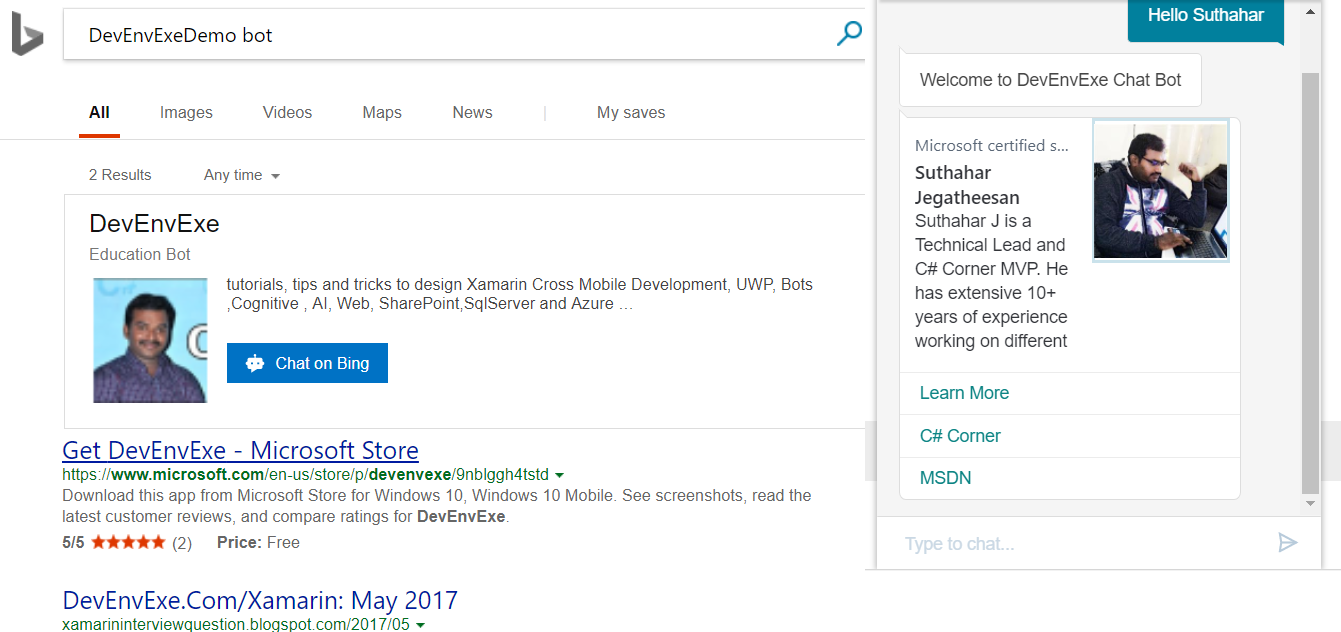
You can follow below give steps for implement your bot application into the Bing Channel.
Setup and Create New Bot Application:
You can read my previous article for create a Bots Application Using Visual Studio 2017 from following URL http://www.c-sharpcorner.com/article/getting-started-with-bots-using-visual-studio-2017/
 Deploy Bot to Azure:
You can read my previous article for deploy bot application into Azure using Visual Studio 2017 from following URL http://www.c-sharpcorner.com/article/getting-started-deploy-a-bot-to-azure-using-visual-studio-2017/
Publishing Bot on Bing:
Step 1: Publishing a bot on Bing, you can navigate to Bot Framework Portal https://dev.botframework.com/bots > Login with Microsoft account > Select deployed bot application > click the Channels tab, and then click Bing.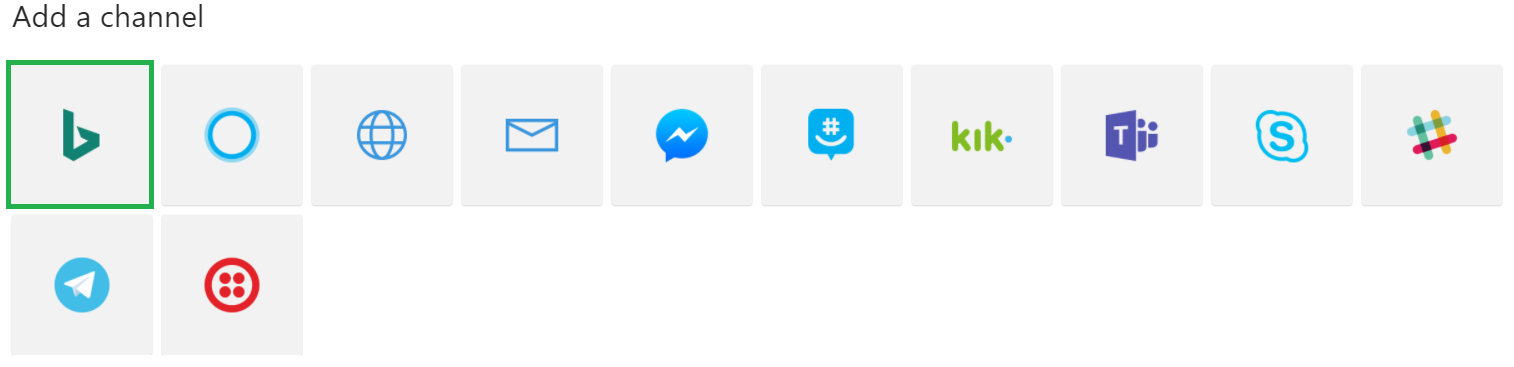
Step 2:
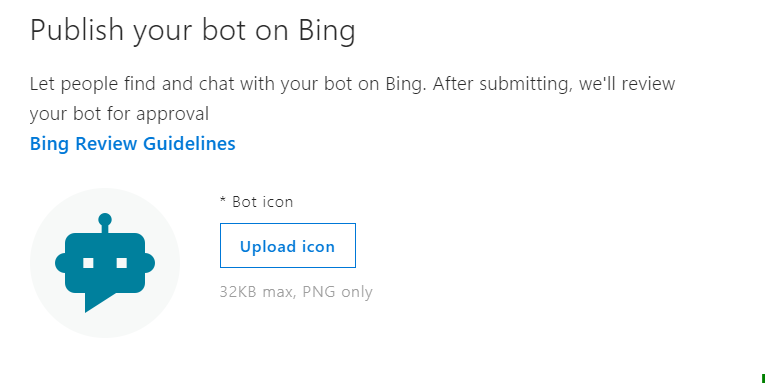
Upload Bot png icon within 32kb. Bot Icon will help people to find bot on Bing with image
Step 3:
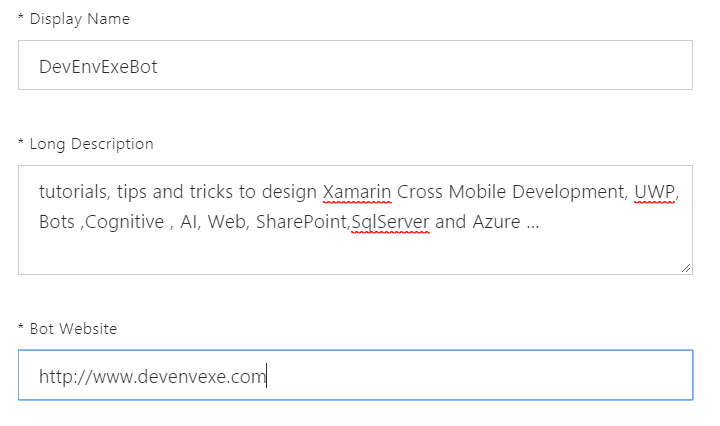
Provide Bot application basic information
Display Name - provide a bot display name. This name will appear in Bing search results.
Long Description – provide about bot application. The bot must operate as described in its bot description.
Website - Link to your website with more information about this bot.
Display Name - provide a bot display name. This name will appear in Bing search results.
Long Description – provide about bot application. The bot must operate as described in its bot description.
Website - Link to your website with more information about this bot.
Step 4:
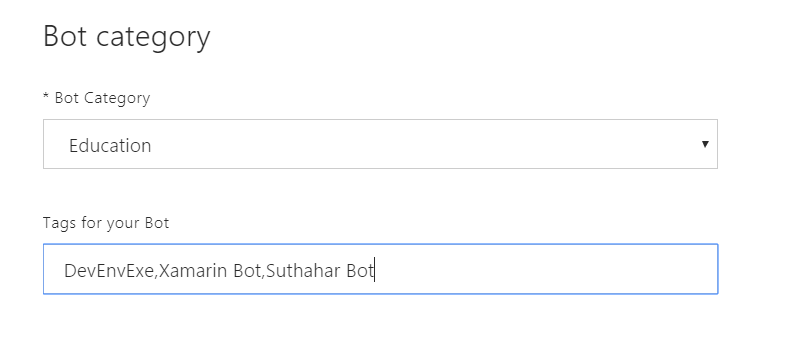
The Category and tags option will help us for search bot , You can select relevant category and provide tag value with comma separated .
Step 5:
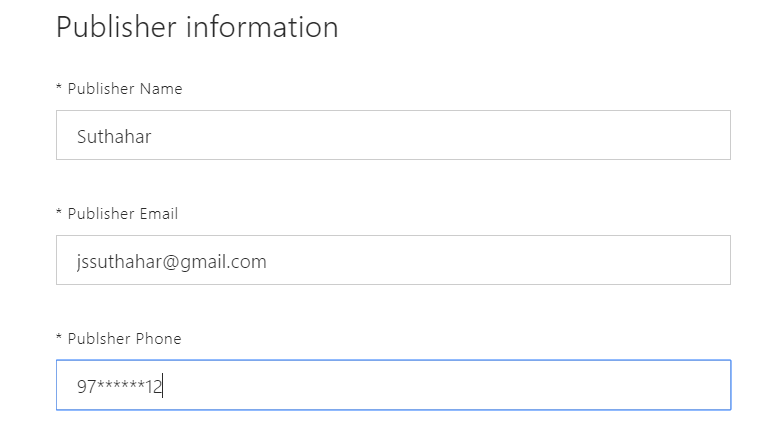
You can provide the following publisher information.
Publisher Name
Publisher Email
Publisher Phone
Publisher Name
Publisher Email
Publisher Phone
Step 6:
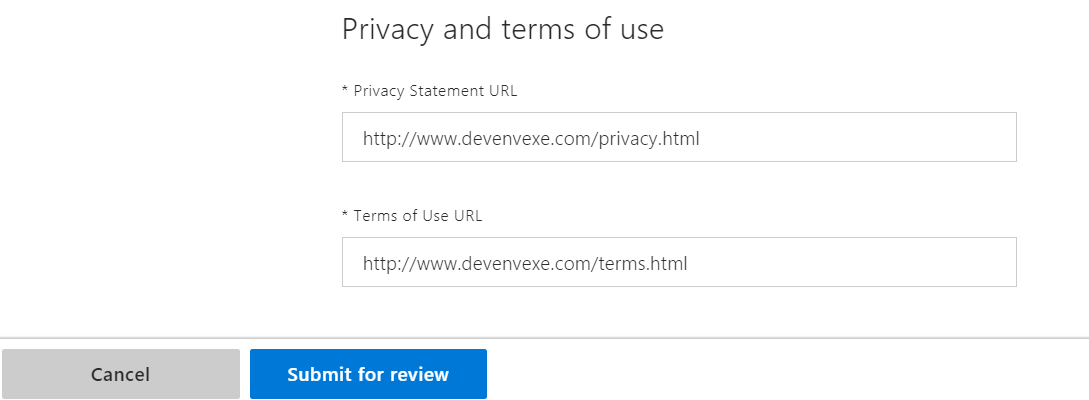
Provide the privacy and terms url and Click on Submit for Review
Step 7:
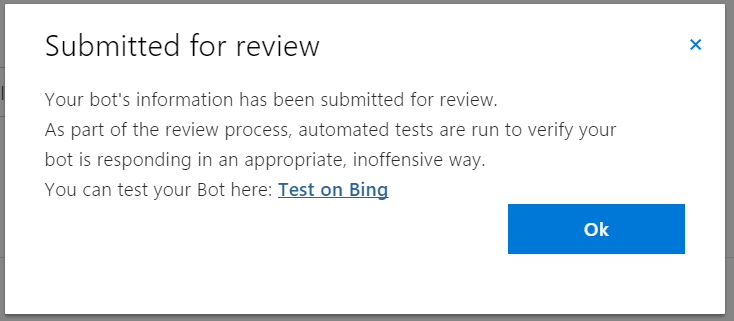
The review process will take a few weeks or days and you will get approved email confirmation. after approval, you can search your bot on bing using search keyword based on category and tag.
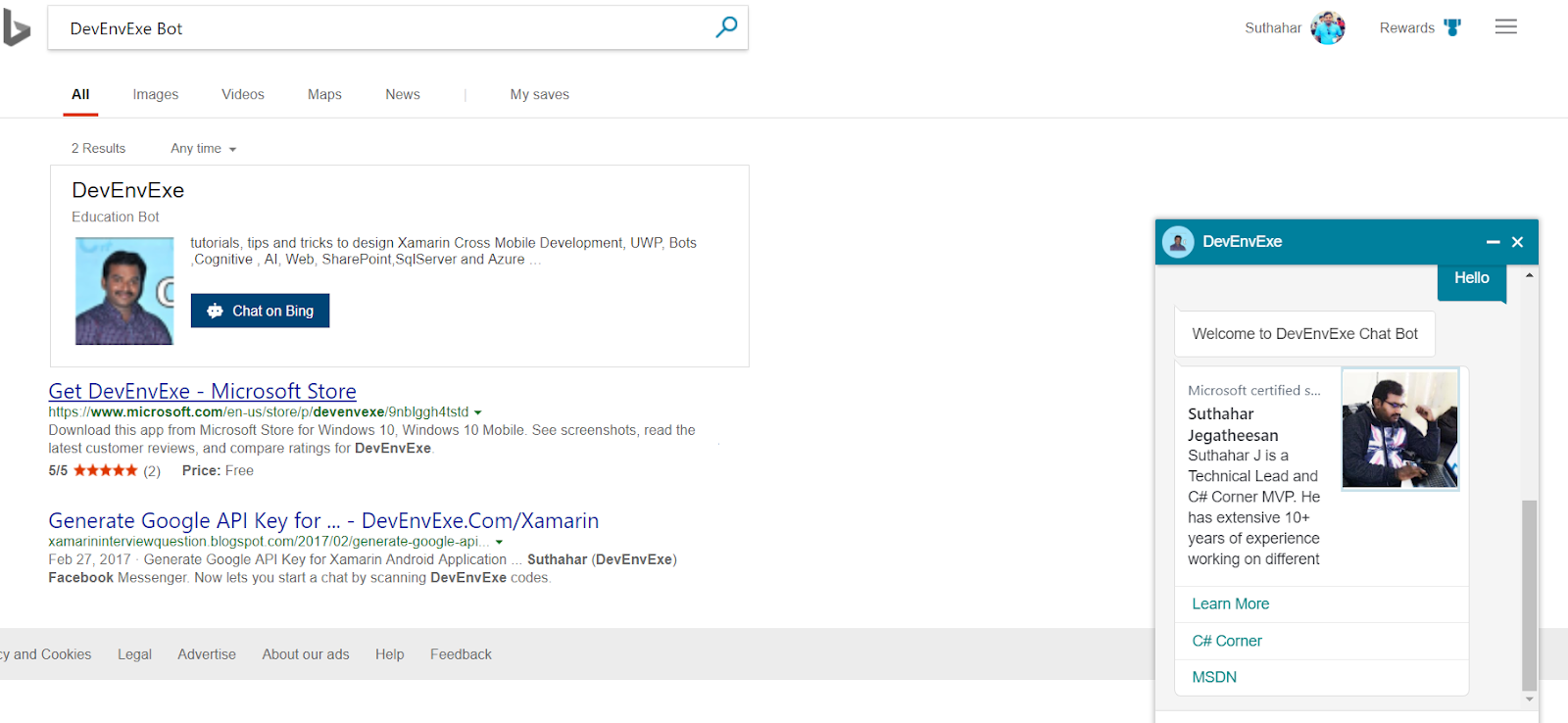
Click the Test on Bing , the link to preview a sample of how the bot will appear on Bing on like below
Click the Test on Bing , the link to preview a sample of how the bot will appear on Bing on like below
Related Article:
I have explained about Bot framework Installation, deployment and implementation in the below article- Getting Started with Chatbot Using Azure Bot Service
- Getting Started with Bots Using Visual Studio 2017
- Deploying A Bot to Azure Using Visual Studio 2017
- How to Create ChatBot In Xamarin
- Getting Started with Dialog Using Microsoft Bot Framework
- Getting Started with Prompt Dialog Using Microsoft Bot Framework
- Getting Started With Conversational Forms And FormFlow Using Microsoft Bot Framework
- Getting Started With Customizing A FormFlow Using Microsoft Bot Framework
- Sending Bot Reply Message With Attachment Using Bot Framework
- Getting Started With Hero Card Design Using Microsoft Bot Framework
- Getting Started With Thumbnail Card Design Using Microsoft Bot Framework
- Getting Started With Adaptive Card Design Using Microsoft Bot Framework
- Getting Started with Receipt Card Design Using Microsoft Bot Framework
- Building Bot Application With Azure AD Login Authentication Using AuthBot
No comments: