Introduction:
Visual Studio 2019 publicly available from April 2 2019 and it’s includes many improvements for Xamarin mobile developers in Visual Studio. Microsoft mainly focused on key areas to make more productive when authoring Xamarin apps, including optimizations to build and deployment times as well as improvements to UI authoring experiences.
Let we look today steps by step all the awesome Visual Studio 2019 Xamarin Developer. Visual Studio 2019 and Visual Studio 2019 for Mac are now available so you can start download and start use with awesome VS feature .

Lower disk impact
Lower disk impact
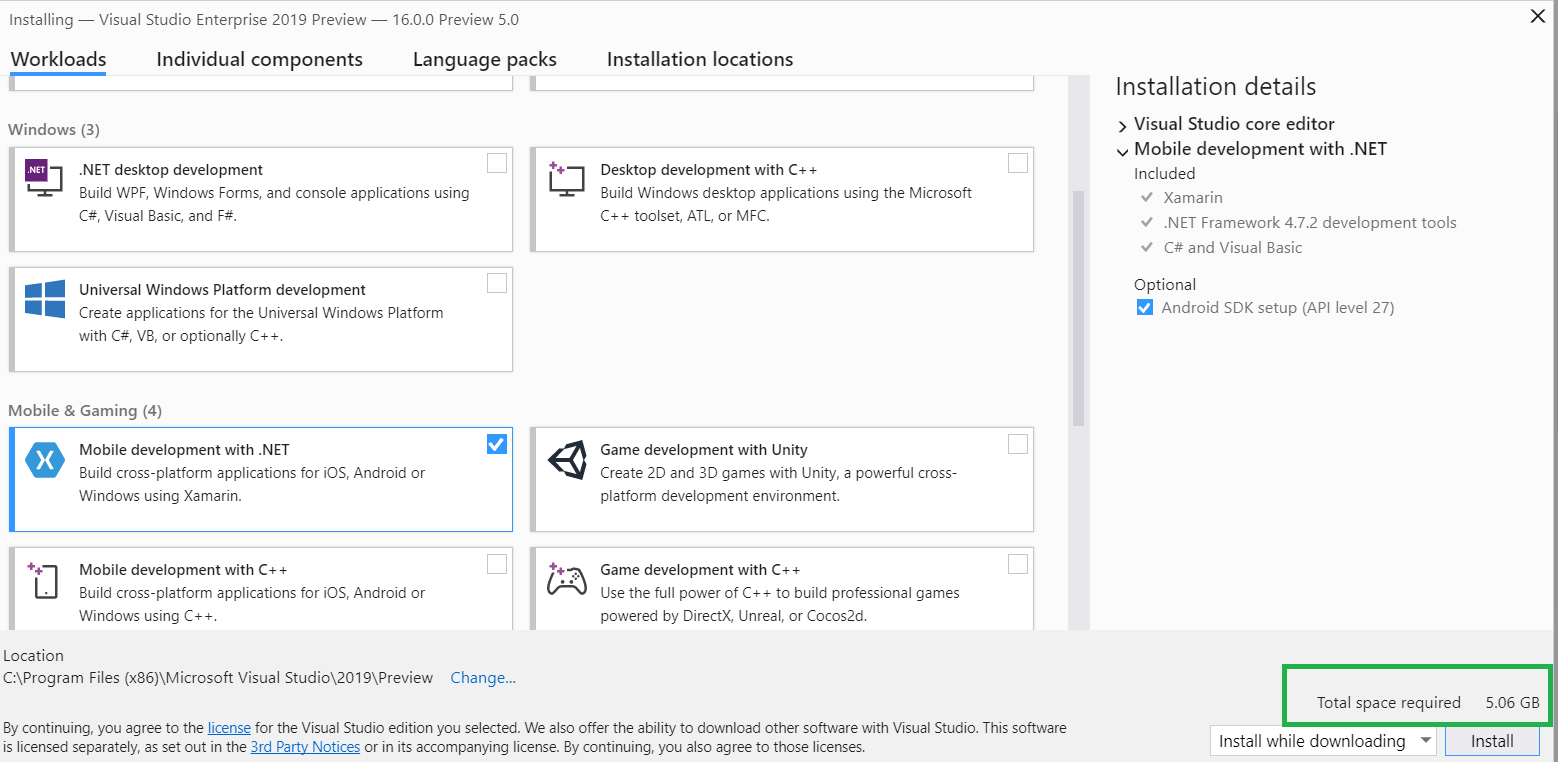
VS2019 release focuses on the fundamental’s stability and performance. Visual Studio 2017 required minimum 23 GB or more, but visual studio 2019 is now 3.28x smaller in the size, it’s Just 5GB to 7GB and you can do faster installation with lower disk impact, no need to wait very long time for installation.
Solutions creation
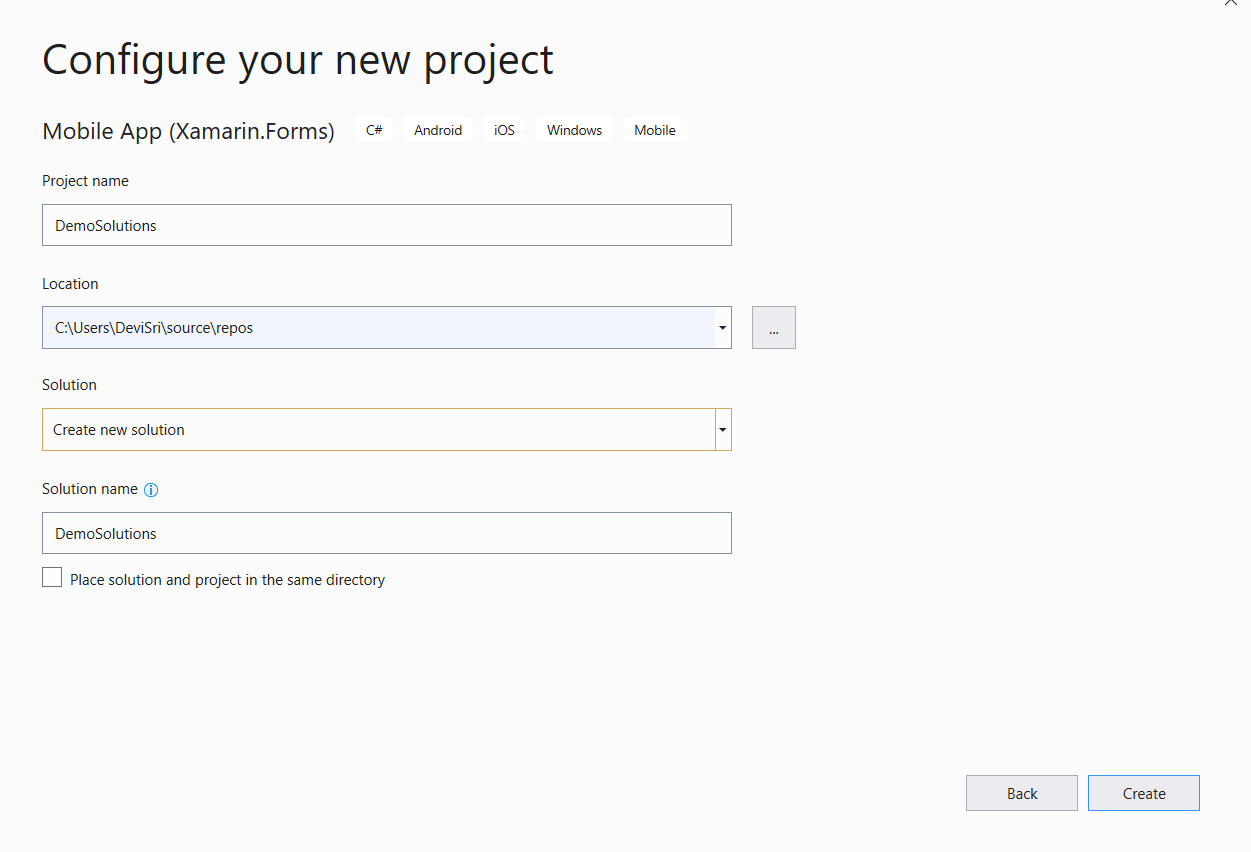
Visual studio team improved solutions creation time by up to 2x and solutions load time by 23% on real world profiled solutions.
Visual Studio 2019 will automatically analyze our app while project load, determine if you have the necessary Android SDK configuration to build, and offer to install those components for you to resolve any configuration conflicts.

Android SDK Update:
Managing Android SDKs can be very difficult, especially when working on complex solutions across teams. Some of them not aware, difference between target, compile, and minimum framework version, Visual studio 2017 tried for Android SDK auto update but manually enable from Tool options .Visual Studio 2019 will automatically analyze our app while project load, determine if you have the necessary Android SDK configuration to build, and offer to install those components for you to resolve any configuration conflicts.
Faster Build and Deployment:
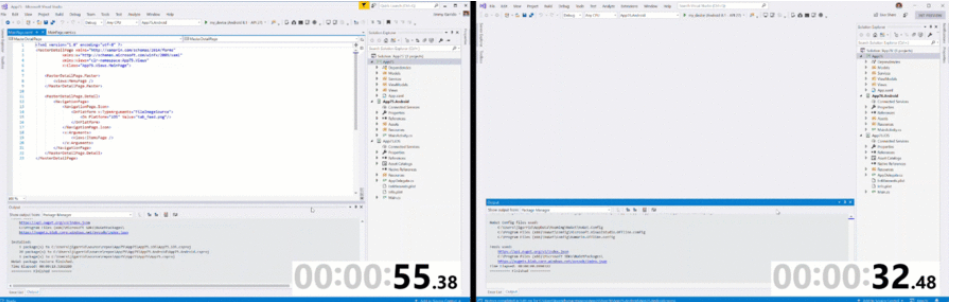
Visual studio 2019 improved Xamarin Build and Deployment, you can check your enterprise application build times are 26.6% faster than Visual studio 2017version and Deployment times are now twice as fast.Shell Project template
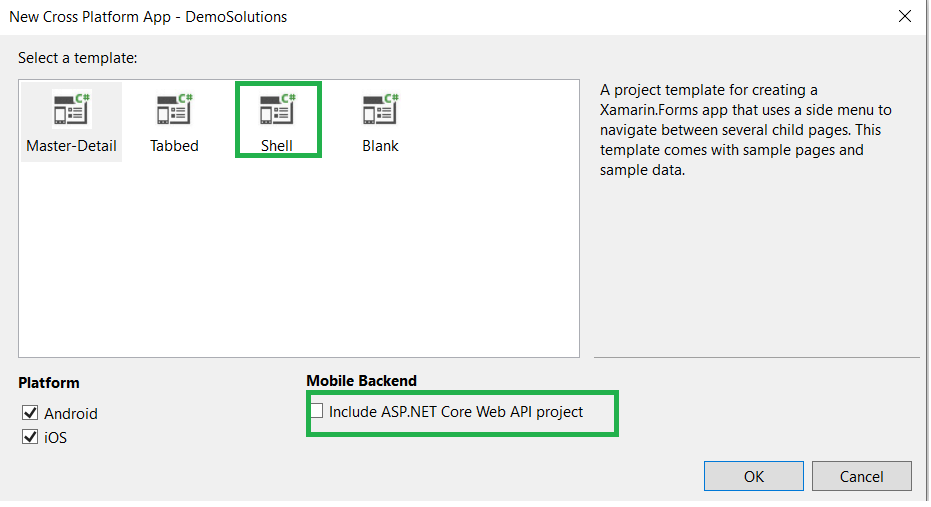
Visual studio 2019 added Shell project template to the Xamairn Form. Shell provides 3 tiers of elements to our application and then gets out of your way to start populating the app with content and features.In Shell template you will get it followingA simplified way to express the high level of your application architecture in a single file (AppShell.xaml)
A hierarchy of common UI navigation patterns that suite your target mobile platforms: flyout menu, bottoms tabs, top tabs
A robust navigation service that provides URI-based routing so you can jump directly to any part of your application with ease
An extensible template-based infrastructure to easily customize elements of your UI
Visual design experiences for iOS and Android
Visual Studio 2019 improved new IntelliSense experience for XAML with matching around the control and property names to ensure you receive the correct suggestion.
The XAML Previewer shows you how your Xamarin.Forms XAML page will look on iOS and Android. When you make changes to your XAML, you'll see them previewed immediately alongside your code. The XAML Previewer is available in Visual Studio and Visual Studio for Mac.
You can now edit common attributes for your Xamarin.Forms controls in the property panel for Visual Studio 2019 on Windows. Open the property panel by going to View → Properties Window. The property panel will show attributes for whatever control is currently in focus in your XAML file.
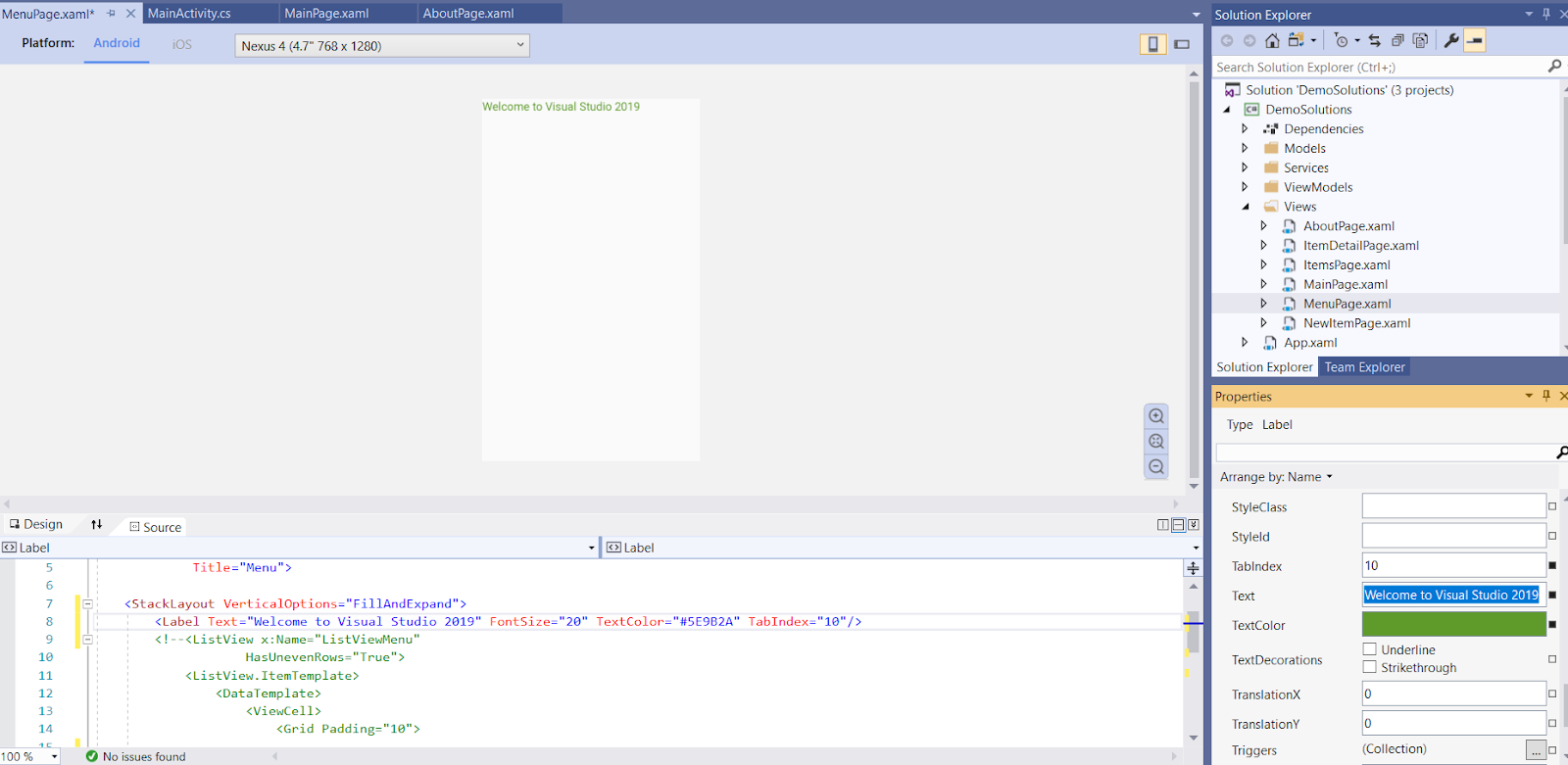
Thanks VS + Xamarin Team, really awesome feature
ReplyDeleteHi,
ReplyDeleteWonderful information. Thanks.
I have a question , how to send data in XML/JSON format from Android mobile to another webapi.
Can you reply it?
Thanks in advance.
Hire Xamarin Developer
Nice post. Thanks for sharing! I want people to know just how good this information is in your article. It’s interesting content and Great work.
ReplyDeleteHire Xamarin Developer
Thank you so much for this nice information. Hope so many people will get aware of this and useful as well. And please keep update like this.
ReplyDeleteBig Data Solutions
Data Lake Companies
Advanced Analytics Solutions
Product Development Company