MicrosoftAI

Quick Look Cognitive Service Content Moderator Web Application

By   Wednesday, January 22, 2020 comments
reads
React:

Introduction:

Azure Content Moderator API is a cognitive service that checks text, image, and video content for material that is potentially offensive, risky, or otherwise undesirable. When such material is found, the service applies appropriate labels (flags) to the content. Mobile Application/ Website handle flagged content in order to comply with regulations or maintain the intended environment for users.

Microsoft published online Content Moderator Review tool to test the Text, image and video functionality of Content Moderator without having to write any code. If you wish to integrate into the application, let review and look all content moderator Demo quickly and you can read my previous article to understand the Cognitive Service Content Moderator.
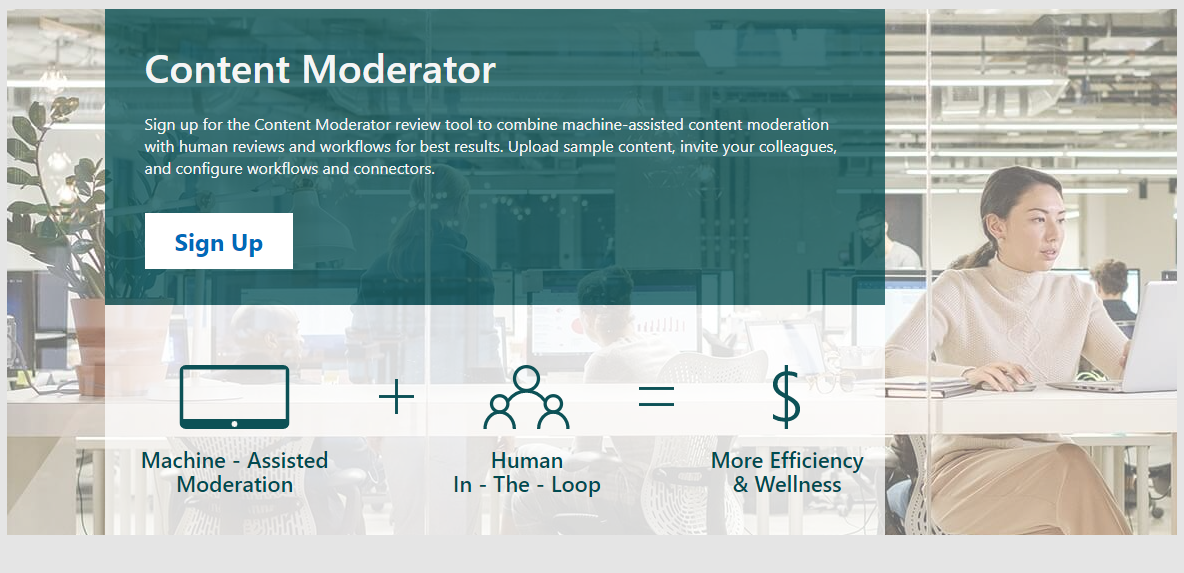

Setup Moderator Portal

Step 1: Navigate content moderator portal and register.
Step 2: Login using your registered login/ Microsoft or work login.
Step 3: Create a team and invite your team to join the portal
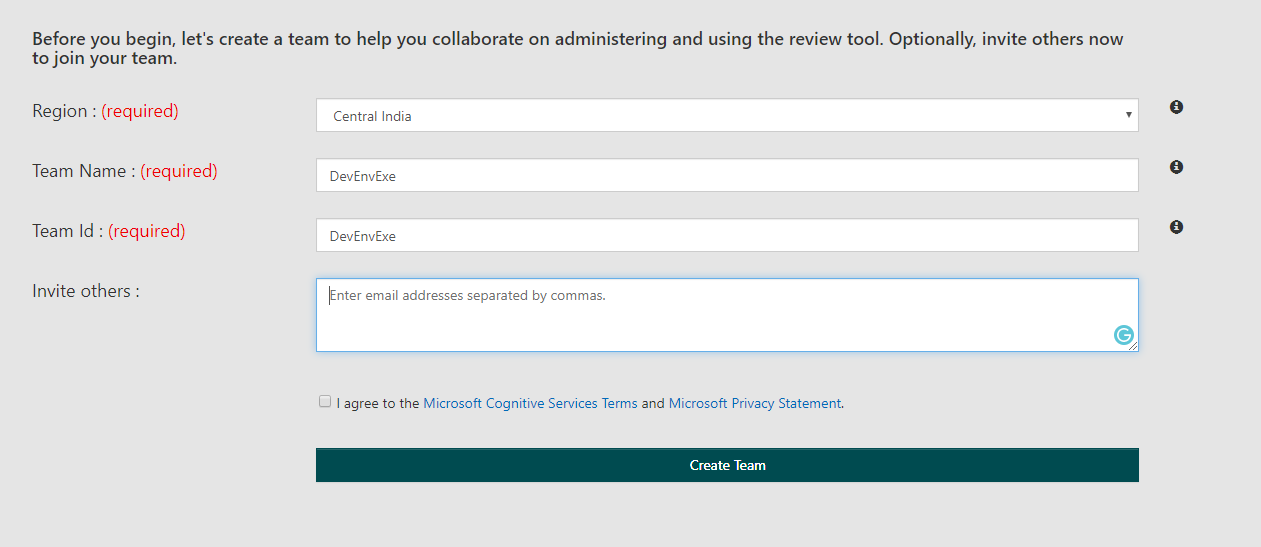

Try Content Moderator

Now, you are ready to try the content moderator, in the main menu select Try and select operation like text, image and video and upload the content, application will return following result from relevant API.


Text Content Moderator

Navigate content moderator portal > Click on Try > Select “Text” and provide your text of up to 1024 characters at a time and currently will support only English. Score is between 0 and 1. The higher the score, the higher the model is predicting that the category may be applicable. This feature relies on a statistical model rather than manually coded outcomes. We recommend testing with your own content to determine how each category aligns to your requirements.

  • Category1 refers to potential presence of language that may be considered sexually explicit or adult in certain situations.
  • Category2 refers to potential presence of language that may be considered sexually suggestive or mature in certain situations.
  • Category3 refers to potential presence of language that may be considered offensive in certain situations.
The personal data feature detects the potential presence of this information:
  • Email address
  • US Mailing address
  • IP address
  • US Phone number
  • UK Phone number
  • Social Security Number (SSN)

Image Content Moderator

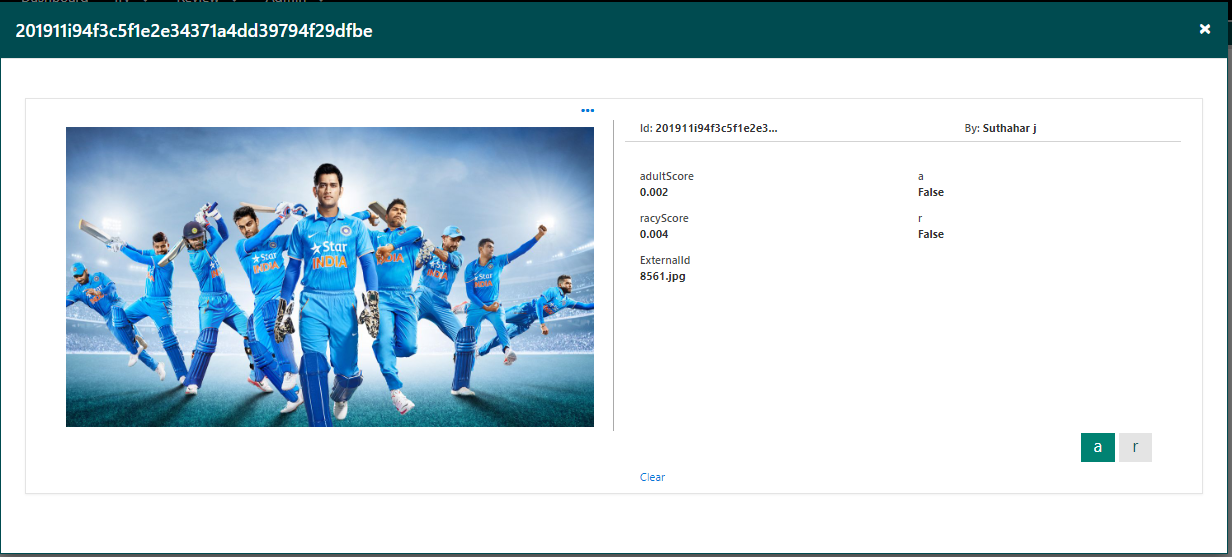
Navigate content moderator portal > Click on Try > Select “Image” and upload the image. Scan images for text content and extract that text, and detect faces. The Evaluate operation returns a confidence score between 0 and 1. It also returns Boolean data equal to true or false. These values predict whether the image contains potential adult or racy content


Video Content Moderator

Navigate content moderator portal > Click on Try > Select “Video” and upload the Video. Machine-assisted video classification is either achieved with image trained models or video trained models. Unlike image-trained video classifiers, Microsoft's adult and racy video classifier is trained with videos

Summary: 

I hope you have understood the What is Azure Content moderator and Content moderator Web portal. The next step is how to create the Azure API and implement to the application using C# . Please leave your feedback/query using the comments box, and if you like this article, please share it with your friends.
SJ
Suthahar Jegatheesan

Senior Solutions Architect · Microsoft Azure, AI & Mobile. Author of the Xamarin Q&A Book.

More in this series

No comments:

sponsored

What Colleagues Say

“Suthahar is one of the most thorough and knowledgeable cloud architects I’ve worked with. His depth on Azure and ability to make complex mobile solutions work cross-platform is remarkable. He always delivers beyond expectations.”

AT Arun T. Senior Engineering Manager · Direct Manager

“I’ve followed Suthahar’s MSDEVBUILD blog for years — practical, deep, always current. Working alongside him confirmed what I suspected: he’s as sharp in person as on paper, and a genuinely generous mentor and architect.”

RK Rajesh K. Lead Developer · Mindtree

Certifications & Recognition

AZ-300 · Azure Architect Technologies AZ-301 · Azure Architect Design AZ-104 · Azure Administrator Associate AI-100 · Designing Azure AI Solutions DP-900 · Azure Data Fundamentals MCPD · Windows Phone Certified SAFe® 4 Scrum Master

Technical Expertise

☁ Cloud Platforms Microsoft Azure — Expert · 18 yrs App Services · AKS · Functions · Cosmos DB · APIM · Entra ID AWS & Google Cloud — Advanced
πŸ€– AI & Automation Azure OpenAI / GenAI — Advanced · 5 yrs RAG Pipelines · Bot Framework · Cognitive Services · Vision & Speech AI · ML.NET
πŸ“± Mobile Architecture .NET MAUI & Xamarin — Expert · 12 yrs Flutter · Native iOS/Android · Offline-First · Secure Storage & Auth
πŸ”’ Identity & Security Microsoft Entra ID — Expert OAuth 2.0 · OIDC · Zero Trust · Conditional Access · RBAC · Key Vault

Speaking & Community

Microsoft User Group Malaysia Recurring speaker on Azure architecture, AI integration and .NET mobile development across Malaysia and APAC.
Global Azure Bootcamp — Chennai Presented “AI into Xamarin Mobile Apps” at GAB Chennai, part of the worldwide Global Azure community event.
AI & Azure OpenAI Community Events Workshops and live demos on RAG pipelines, AI agents and intelligent workflow automation since 2023.
Mobile & Cloud Workshops — Coimbatore Multi-day deep-dive sessions at GRG Computer Technology, KG Microsoft Innovation Center and RVS College of Arts and Science.
500+Blog Articles
50+Conference Talks
10K+Monthly Readers
30Public Repositories
3Continents Delivered
MSDEVBUILD Assistant Ask about Suthahar, Azure, AI or mentorship
Hi! I’m a simple FAQ bot for MSDEVBUILD. Tap a question below or type your own.